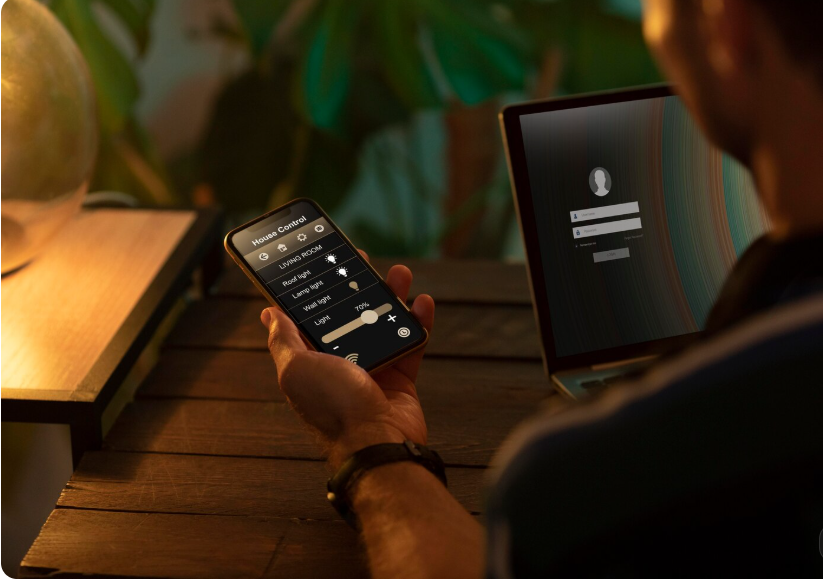
Modern homeowners are increasingly looking for ways to make their homes more convenient, comfortable, secure, and energy-efficient. Smart technology makes it possible to control lighting, temperature, security cameras, door locks, entertainment systems, and other household devices through a smartphone, voice assistant, or centralized control panel.
For homeowners in Charlotte, North Carolina, smart home technology offers opportunities to personalize daily routines and manage household systems more efficiently. Whether you are building a new home, renovating an existing property, or upgrading a few devices, choosing the right automation solutions can help create a more connected living environment.
Smart home systems range from simple smart bulbs and thermostats to fully integrated platforms that coordinate multiple devices. The best setup depends on your lifestyle, property layout, budget, and long-term technology goals.
This guide explores the main benefits of smart home automation, popular features, installation considerations, cost factors, and practical ways to choose a reliable home automation professional.
What Is Smart Home Automation and How Does It Improve Modern Living?
Smart home automation connects compatible household devices so that homeowners can control them remotely or configure them to operate automatically. Instead of managing every device separately, an integrated system can coordinate multiple functions through an app, voice command, schedule, or sensor.
For example, a homeowner can program the lights to turn on in the evening, adjust the thermostat before arriving home, and lock the doors automatically at night. Depending on the equipment and system configuration, several actions can happen together through a single routine.
Professional installation can be particularly helpful when a property requires integrated lighting, security, networking, audio, video, and climate controls.
Key Benefits of a Connected Smart Home
- Convenience: Manage compatible devices from a smartphone, touchscreen, or voice assistant.
- Security: Receive alerts from supported cameras, sensors, and smart locks.
- Comfort: Create personalized temperature, lighting, and entertainment settings.
- Energy management: Schedule lights and adjust heating or cooling according to your routine.
- Remote access: Monitor and control supported devices while away from home.
- Customization: Build automation routines around household habits and preferences.
Smart home automation should make everyday living simpler rather than more complicated. A thoughtfully designed system focuses on useful features, reliable operation, and straightforward controls.
Which Smart Home Automation Services Are Popular in Charlotte?
Homeowners can choose individual devices or a complete home automation solution. A professional installer can help identify compatible equipment and determine how different technologies should work together.
1. Smart Lighting and Automated Lighting Control
Smart lighting lets you control compatible bulbs, switches, dimmers, and fixtures using an app, voice command, or schedule.
You can create different lighting scenes for cooking, reading, relaxing, entertaining guests, or preparing for bedtime. Motion sensors can also activate lights in selected areas, such as hallways, entryways, or utility rooms.
For the best results, consider which rooms need automation first. Starting with frequently used areas can provide noticeable convenience without requiring an immediate whole-home upgrade.
2. Smart Thermostats and Climate Management
A smart thermostat can help homeowners schedule heating and cooling, adjust temperatures remotely, and monitor energy usage when supported by the device.
Charlotte experiences warm, humid summers and cooler periods during winter. Programmable temperature settings can help maintain indoor comfort while reducing unnecessary heating or cooling when the home is empty.
However, energy savings are not guaranteed. Results depend on insulation, equipment efficiency, weather, household behavior, and thermostat configuration.
3. Smart Security Cameras, Locks, and Sensors
Smart security solutions may include video doorbells, indoor and outdoor cameras, door and window sensors, motion detectors, and electronic locks.
These devices can provide alerts when activity is detected or when a door is left unlocked. Some systems also support temporary access codes for guests or service providers.
When selecting security equipment, consider camera placement, nighttime visibility, recording options, network reliability, privacy controls, and whether professional monitoring is necessary.
4. Whole-Home Audio, Video, and Entertainment
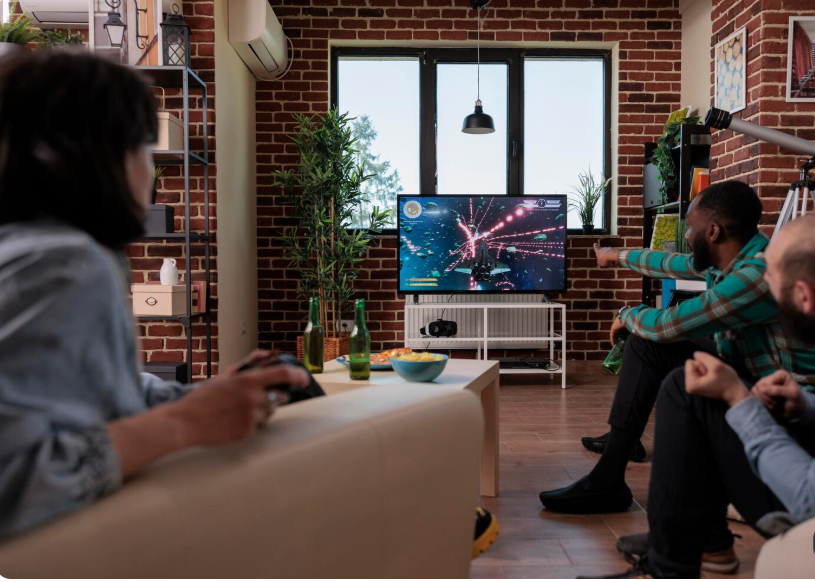
Integrated entertainment systems allow homeowners to distribute music throughout selected rooms, control televisions, and coordinate compatible home theater equipment.
A professionally designed system can reduce the need for multiple remotes and simplify the entertainment experience. Planning speaker placement, wiring, network capacity, and room acoustics can make a significant difference.
5. Smart Blinds, Garage Doors, and Access Control
Motorized window treatments can help manage daylight and privacy, while compatible garage door controllers allow homeowners to check the door’s status remotely.
Automated access controls may also provide notifications when doors open or close. These features are particularly useful when integrated into a broader system with clear permissions and dependable manual controls.
Smart Home Automation Features and Their Main Advantages
The following table summarizes common smart home features and why homeowners may consider them.
| Smart home feature | Main purpose | Potential advantage |
|---|---|---|
| Smart lighting | Control lights and schedules | Convenience and reduced unnecessary lighting |
| Smart thermostat | Manage indoor temperature | Comfort and better scheduling |
| Security cameras | Monitor selected areas | Remote visibility and alerts |
| Smart locks | Manage door access | Flexible access control |
| Smart blinds | Control daylight and privacy | Convenience and light management |
| Whole-home audio | Distribute sound across rooms | Easier entertainment control |
| Water leak sensors | Detect certain leaks | Earlier warning of potential water damage |
| Smart garage control | Monitor compatible garage doors | Improved access awareness |
The right combination depends on your priorities. Homeowners who value security may begin with cameras, locks, and sensors, while those seeking comfort may prioritize lighting, thermostats, and motorized shades.
How Much Does Smart Home Automation Cost in Charlotte?
The cost of smart home automation depends on the number of devices, installation complexity, wiring requirements, control platform, and level of customization.
A small project involving several smart bulbs, plugs, or a thermostat can cost substantially less than a professionally integrated system with centralized controls, security equipment, whole-home audio, and custom programming.
The following figures are broad illustrative estimates in U.S. dollars, not verified Charlotte market quotes. Equipment prices and installation fees vary by provider and property.
Estimated Smart Home Automation Budget by Project Size
| Project type | Illustrative budget | Typical scope |
|---|---|---|
| Basic smart home setup | $200–$1,000 | A few smart devices and simple schedules |
| Multi-room upgrade | $1,000–$5,000 | Several lighting, climate, or security devices |
| Professionally integrated system | $5,000–$15,000 | Multiple connected systems and professional setup |
| Advanced whole-home automation | $15,000–$50,000+ | Extensive integration, custom controls, and premium features |
These ranges are intended for early planning only. They are not guaranteed installation prices, and complex luxury projects may exceed them.
Factors That Affect the Final Installation Price
Equipment selection: Premium cameras, control panels, lighting systems, speakers, and motorized blinds can increase the total cost.
Existing wiring and network infrastructure: Older homes may require additional wiring, electrical work, access points, or network upgrades.
System integration: Connecting devices from different manufacturers can require compatible hubs, additional hardware, and programming.
Home size and layout: Larger properties may need more devices, stronger network coverage, and additional installation time.
Ongoing services: Cloud storage, professional security monitoring, and certain subscription-based features may involve recurring charges.
Request an itemized estimate that separates equipment, labor, programming, optional subscriptions, and future maintenance.
How to Choose the Right Smart Home Automation Company in Charlotte
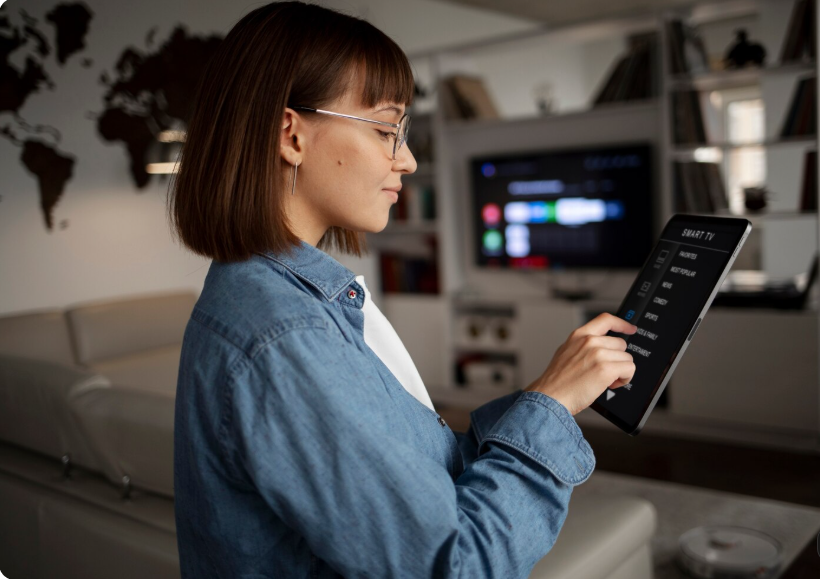
Selecting an installer is an important step because the quality of system design and configuration affects long-term reliability.
Check Experience and Service Capabilities
Look for a company experienced with the features you actually need. A provider specializing in home theater installation may have different capabilities from one focused on lighting, security, networking, or whole-home integration.
Ask whether the company designs, installs, programs, tests, and supports the complete system.
Confirm Compatibility Before Buying Equipment
Not every smart device works with every platform. Before purchasing equipment, verify compatibility with your preferred control system, smartphone, voice assistant, and existing devices.
Also ask whether the system can expand later without replacing major components.
Review Written Estimates and Warranties
A detailed proposal should identify the equipment, installation tasks, programming, warranty coverage, and any recurring fees.
Ask how troubleshooting, software updates, equipment failures, and future upgrades are handled after installation.
Evaluate Customer Support and Documentation
A good installation should include clear instructions for everyday use. You should know how to operate the system manually, change settings, manage user access, and restore basic functionality if the internet connection becomes unavailable.
What Should You Know Before Installing Smart Home Technology?
Planning before installation can help prevent compatibility issues and unnecessary expenses.
Start With Your Most Important Needs
Identify the main problem you want technology to solve. You may want easier lighting control, better visibility around entry points, improved temperature scheduling, or a simplified entertainment setup.
Start with a manageable group of devices and expand once you understand how the system performs in everyday use.
Check Wi-Fi Coverage and Network Reliability
Many smart devices depend on a stable internet connection or local wireless network. Dead zones, overloaded routers, and poor access point placement can cause delays or disconnected devices.
A network assessment can help determine whether additional access points, wired connections, or network upgrades are appropriate.
Plan for Privacy and Cybersecurity
Connected devices can collect information about activity, usage patterns, and household routines. Protect your system by using strong, unique passwords and enabling multifactor authentication where available.
You should also:
- Install software and firmware updates.
- Review app permissions and account access.
- Remove access for former household members or service providers when appropriate.
- Use secure network settings.
- Understand camera recording and data retention policies.
- Choose manufacturers with a clear update and support policy.
Smart technology can improve convenience, but privacy and security should be part of the design from the beginning.
Practical Smart Home Automation Ideas for Different Rooms
A room-by-room approach helps homeowners focus on features that provide genuine everyday value.
Living Room and Entertainment Area
Combine dimmable lighting, television control, speakers, and motorized blinds where compatible. A single scene can prepare the room for movie night by adjusting lights and activating selected entertainment devices.
Kitchen and Dining Area
Smart lighting can improve visibility during food preparation and create a softer atmosphere for dining. Compatible leak sensors near vulnerable plumbing areas can provide an additional warning if water is detected.
Bedroom and Bathroom
Use scheduled lighting, bedside controls, and temperature adjustments to create a comfortable nighttime routine. Motion-activated lighting may be helpful for nighttime movement.
Front Entry and Outdoor Spaces
A video doorbell, suitable exterior cameras, smart lighting, and a compatible door lock can help you monitor entry points. Outdoor equipment should be designed for the environmental conditions where it will be installed.
How to Make Smart Home Automation More Energy-Efficient and Reliable
Smart technology works best when it supports sensible household habits.
Use schedules to switch off unnecessary lights, configure thermostats around occupancy, and avoid heating or cooling empty spaces when practical. If your devices provide energy reports, review them to understand actual usage rather than assuming that automation automatically reduces bills.
Reliability is equally important. Keep essential devices updated, test alerts periodically, and make sure household members know how to operate critical systems manually.
For new construction or major renovations, consider planning network wiring, lighting controls, speaker connections, and equipment locations before walls are finished. Early planning can reduce later installation work and make future upgrades easier.
Frequently Asked Questions About Smart Home Automation in Charlotte
What does smart home automation include?
Smart home automation can include lighting control, smart thermostats, security cameras, electronic locks, motorized blinds, entertainment systems, leak sensors, and centralized device controls. The exact features depend on the homeowner’s needs and the selected platform.
How much does smart home automation cost in Charlotte?
Costs vary according to equipment, labor, property size, wiring, and system complexity. A small DIY setup may cost a few hundred dollars, while a professionally integrated whole-home system can cost thousands or tens of thousands of dollars. Request a detailed local estimate for accurate pricing.
Can I add smart home automation to an existing house?
Yes. Many smart devices can be installed in existing homes without major renovation. However, some lighting controls, motorized blinds, centralized systems, and wired security installations may require additional electrical work or network improvements.
Is smart home automation worth the investment?
It can be worthwhile if the system solves practical problems, improves comfort, supports security, or makes daily routines easier. The value depends on your priorities, the equipment selected, ongoing costs, and how consistently you use the features.
How do I choose a smart home automation installer in Charlotte?
Compare providers based on relevant experience, system compatibility, written estimates, installation quality, warranties, and ongoing support. Ask for a clear explanation of the proposed equipment and confirm that the installer can configure, test, and maintain the system.
| Read more: Concrete Cellar Floor: Best |