
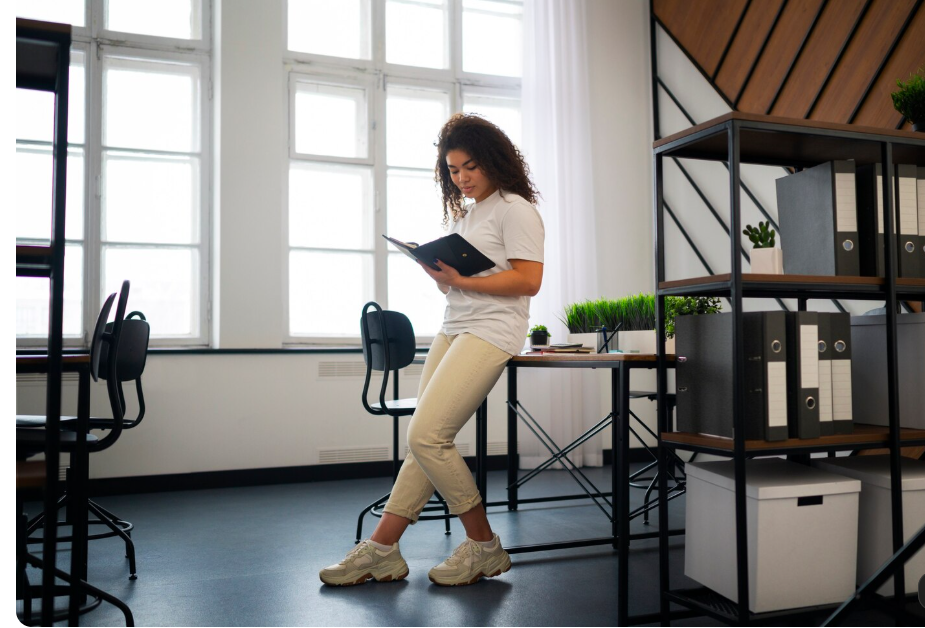
Organizing office furniture properly can completely change the way a workspace looks and functions. A good office layout should provide enough room to work, move comfortably, access storage, and use essential equipment without creating unnecessary clutter.
Whether you are arranging a home office, small business office, or larger workplace, the goal is to create a layout that supports daily activities while making the best use of available space. Office planning should consider furniture, circulation, storage, lighting, equipment, and the needs of the people using the space.
Why Is Office Furniture Organization Important?
A poorly arranged office can make even a large room feel crowded. Desks placed randomly, blocked walkways, tangled cables, and difficult-to-reach storage can make everyday tasks less convenient.
A well-organized office can provide:
- Better movement around the room
- A cleaner and more professional appearance
- Easier access to storage
- Improved workspace efficiency
- Better use of natural light
- More comfortable working conditions
- Less visual clutter
- Clearly defined work areas
The best office layouts are designed around how people actually use the space rather than simply placing furniture wherever it fits.
Start by Measuring the Office Space
Before moving heavy furniture, measure the room carefully. Record the length and width of the space and identify doors, windows, electrical outlets, built-in cabinets, vents, and other fixed features.
Also measure your furniture, including:
- Desks
- Office chairs
- Filing cabinets
- Bookcases
- Storage units
- Meeting tables
- Printer stands
Creating a simple floor plan before moving furniture can save time and help you test different arrangements without physically moving everything.
How to Organize Office Furniture Step by Step
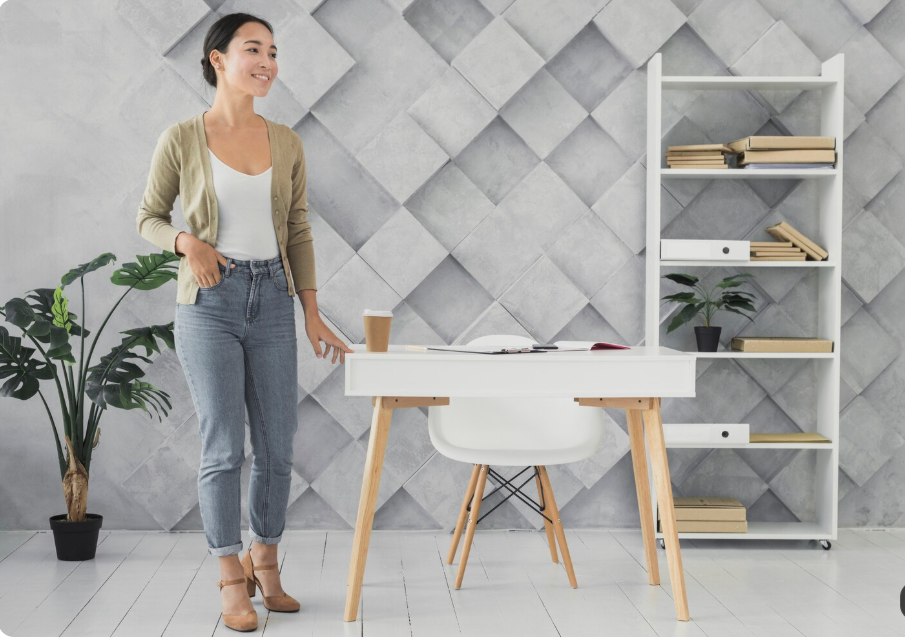
1. Place the Main Desk First
The primary desk should be the starting point of your layout. Position it where you have sufficient workspace and a comfortable view of the room.
If possible, avoid placing the desk directly in front of a window if sunlight creates screen glare. Positioning a desk perpendicular to a window can help make better use of natural light while reducing direct glare on the screen.
2. Create Clear Walking Paths
After positioning the desk, check how people will move around the room. Main pathways should remain free from chairs, cabinets, boxes, and other obstacles.
As a practical planning guideline, many office layouts aim for roughly 36 inches of clear space on major walking routes. Actual requirements can vary depending on accessibility, building regulations, and the type of workplace.
3. Position the Office Chair Correctly
Your chair needs enough space to move backward when you sit down or stand up. Avoid placing a cabinet or wall immediately behind the chair if it restricts movement.
There should also be enough space underneath the desk for your legs and feet. Keeping this area clear can improve comfort and allow you to maintain a better sitting position.
4. Place Storage Near the Work Area
Storage should be positioned according to how frequently you use the items inside it.
For example:
- Daily paperwork should be close to the desk.
- Frequently used stationery should be within easy reach.
- Less-used files can go into larger cabinets.
- Books can be stored on nearby shelving.
- Office supplies can be organized in drawers or storage boxes.
This approach reduces unnecessary movement and keeps the main workspace clear.
Office Furniture Organization Ideas by Furniture Type
| Furniture | Recommended Placement | Main Purpose |
|---|---|---|
| Main desk | Central or suitable wall/corner position | Primary workstation |
| Office chair | Directly at the desk | Comfortable seating |
| Filing cabinet | Near the desk or storage zone | Document organization |
| Bookshelf | Along a wall | Books and supplies |
| Meeting table | Separate collaboration area | Meetings |
| Printer stand | Accessible but away from main walkway | Printing and supplies |
Create Different Office Zones

One of the easiest ways to organize office furniture is to divide the room into functional zones.
Work Zone
This is where your main desk, chair, computer, monitor, keyboard, and frequently used supplies belong.
Keep this area as uncluttered as possible so you can focus on your primary tasks.
Storage Zone
Place filing cabinets, shelves, cupboards, and storage boxes together when possible. This creates a dedicated area for documents and supplies.
Meeting Zone
If space allows, create a separate area with a small meeting table and chairs. This prevents visitors from interfering with your main workstation.
Relaxation or Break Zone
In larger offices, a small seating area can provide a place for informal conversations and short breaks away from the main workstation.
Creating separate zones can make an office feel more organized and intentional.
Keep Office Furniture Away From Important Walkways
Walkways should remain clear at all times. Avoid using corridors or exits as temporary storage areas because furniture, boxes, or open drawers can create obstacles.
For example, a filing cabinet should have enough room in front of it for the drawer to open without blocking a frequently used path.
This is especially important in shared offices where several people may move through the same space throughout the day.
Improve Ergonomics While Organizing Furniture
Furniture organization should not focus only on appearance. Comfort matters too.
Your desk, chair, monitor, keyboard, and mouse should work together as one ergonomic setup. The Mayo Clinic recommends positioning the keyboard so the wrists and forearms remain aligned and keeping the mouse within easy reach. It also recommends providing adequate space for the legs beneath the desk.
Consider these simple improvements:
- Choose an adjustable office chair.
- Keep feet comfortably supported.
- Provide adequate legroom.
- Position the monitor comfortably in front of you.
- Keep the keyboard and mouse within easy reach.
- Avoid storing unnecessary objects beneath the desk.
- Use adjustable furniture when multiple people share a workstation.
Use Vertical Space to Save Floor Space
If your office is small, do not focus only on the floor. Walls can provide valuable storage opportunities.
Consider:
- Wall-mounted shelves
- Tall bookcases
- Floating storage
- Wall organizers
- Vertical filing systems
- Cabinets with multiple shelves
Using vertical storage can reduce desktop clutter without taking up additional floor area.
Organize Cables and Technology
Technology can quickly make an organized office look messy. Computer cables, chargers, printer wires, and extension cords should be managed carefully.
Use cable trays, clips, sleeves, or built-in cable openings to route wires neatly. Keep cables away from walking paths and avoid creating tangled areas underneath desks.
A clean cable setup can make the entire office look more professional.
Common Office Furniture Organization Mistakes

Avoid these common mistakes when arranging your office:
- Blocking doors or emergency routes
- Pushing too much furniture into a small room
- Ignoring chair movement space
- Placing storage where drawers cannot open properly
- Blocking windows with large furniture
- Creating unnecessary furniture clusters
- Leaving cables across walkways
- Forgetting legroom beneath desks
- Buying furniture before measuring the room
- Prioritizing appearance over functionality
A good layout should balance aesthetics, comfort, movement, storage, and productivity.
Quick Office Organization Checklist
Before finalizing your furniture arrangement, check the following:
- Measure the room and furniture.
- Identify doors, windows, and outlets.
- Place the main desk first.
- Keep major walkways clear.
- Provide enough chair movement space.
- Keep frequently used storage nearby.
- Create separate zones for different activities.
- Manage cables properly.
- Use vertical storage in small offices.
- Check desk and chair ergonomics.
- Make sure doors and drawers can open fully.
Final Thoughts
Learning how to organize office furniture is primarily about creating a workspace that works naturally for the people using it. Start by measuring the room, placing the primary workstation, establishing clear walking paths, and organizing furniture according to its purpose.
Storage should be accessible, technology should be neatly managed, and desks and chairs should provide adequate space for comfortable working. A thoughtful furniture layout can make a small office feel larger and help a busy workspace feel calmer and more efficient.
FAQs About How to Organize Office Furniture
1. What is the best way to organize office furniture?
Start by measuring the room and furniture. Place the main desk first, establish clear walking paths, then position storage, seating, and other furniture according to how the space is used.
2. Where should I place my office desk?
Place the desk where you have enough working space, comfortable chair movement, and convenient access to power. If possible, position it perpendicular to a window to make better use of natural light while reducing screen glare.
3. How much space should be left around office furniture?
The required space depends on the furniture and building requirements. As a practical layout guideline, around 36 inches of clear space is commonly used for major walking routes, while accessibility and local regulations should always be checked for specific projects.
4. How can I organize furniture in a small office?
Use compact desks, vertical shelving, wall-mounted storage, and furniture that serves multiple purposes. Keep the center of the room as open as possible to improve movement.
5. How can office furniture organization improve comfort?
Keep adequate legroom beneath desks, provide comfortable chair positioning, place computer equipment within easy reach, and arrange the workstation to support a neutral working posture.
| Read more:4 Seasons Room: Ideas |
1 Comment
[…] Read more: How to Organize Office […]