A reliable security camera system adds another layer of protection to your home by helping you monitor entrances, deter intruders, and keep an eye on your property whether you’re home or away. Modern cameras offer high-definition video, motion detection, night vision, and smartphone alerts, making home security more convenient than ever.
Before buying a camera, consider where you’ll install it, whether you need indoor or outdoor coverage, and if you prefer cloud storage or local recording. Here are some of the best types of security cameras and the features to look for.
Indoor Security Cameras
Indoor cameras are ideal for monitoring living rooms, hallways, nurseries, and pets while you’re away. Most are compact, easy to install, and connect to your WiFi network.
Look for features such as:
- 1080p or 2K video resolution
- Two-way audio
- Motion and sound detection
- Night vision
- Mobile app notifications
- Privacy shutter or camera-off mode
Indoor cameras work well for checking on children, elderly family members, or pets without requiring complex installation.
Outdoor Security Cameras
Outdoor cameras are designed to withstand rain, dust, heat, and cold while providing continuous surveillance around your home.
Important features include:
- Weather-resistant construction (IP65 or higher)
- Wide viewing angle
- Color night vision
- Motion detection with AI person recognition
- Spotlight and siren
- High-resolution video
- Long-range WiFi connectivity
Installing cameras near your front door, driveway, backyard, and garage helps eliminate blind spots.
Wireless vs. Wired Security Cameras
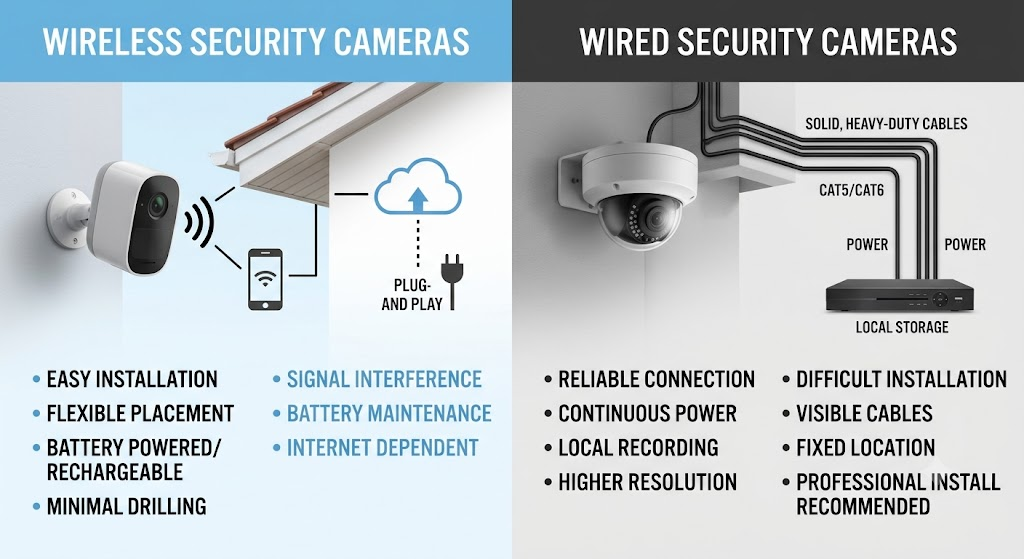
Both wireless and wired cameras have advantages.
Wireless Cameras
Pros:
- Easy installation
- Flexible placement
- Minimal wiring
- Mobile app integration
- Suitable for renters
Cons:
- Depend on WiFi signal strength
- Battery-powered models require periodic charging
Wired Cameras
Pros:
- Stable connection
- Continuous power supply
- Suitable for large properties
- Less dependent on wireless signal
Cons:
- Professional installation may be required
- More complex cable management
Choose the option that best fits your home’s layout and your security needs.
Essential Features to Look For
When comparing home security cameras, prioritize these features:
- At least 1080p Full HD resolution
- 2K or 4K video for greater detail
- Infrared or color night vision
- Smart motion detection
- Person, vehicle, and pet recognition
- Two-way communication
- Wide-angle lens
- Local or cloud storage options
- Mobile alerts
- Voice assistant compatibility
- Activity zones to reduce false alarms
- Weatherproof housing for outdoor use
These features improve both security and ease of use.
Cloud Storage vs. Local Storage

Most cameras offer one or both storage methods.
Cloud Storage
Benefits:
- Access recordings from anywhere
- Automatic backups
- Easy sharing
- Protection if the camera is stolen
Drawbacks:
- Monthly subscription fees
- Requires internet connectivity
Local Storage
Benefits:
- No recurring subscription
- Greater control over recordings
- Faster playback
- Better privacy
Drawbacks:
- Limited storage capacity
- Footage may be lost if the device is damaged or stolen
Many homeowners choose cameras that support both options for added flexibility.
Placement Tips for Maximum Coverage
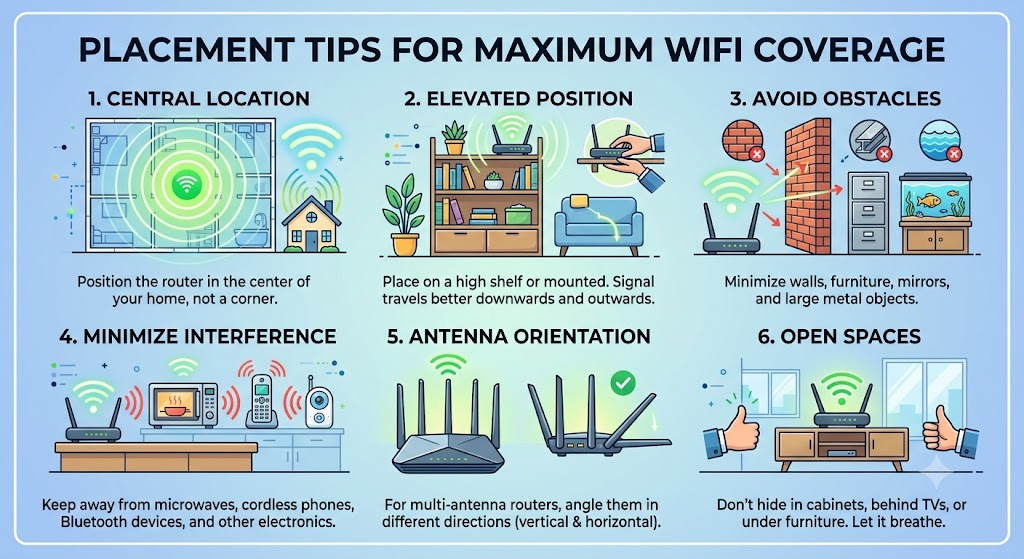
Proper placement significantly improves the effectiveness of your security cameras.
Recommended locations include:
- Front door
- Back entrance
- Driveway
- Garage
- Backyard
- Side gates
- Ground-floor windows
- Main hallway
- Living room
- Nursery
Mount outdoor cameras high enough to prevent tampering while ensuring they capture clear facial images.
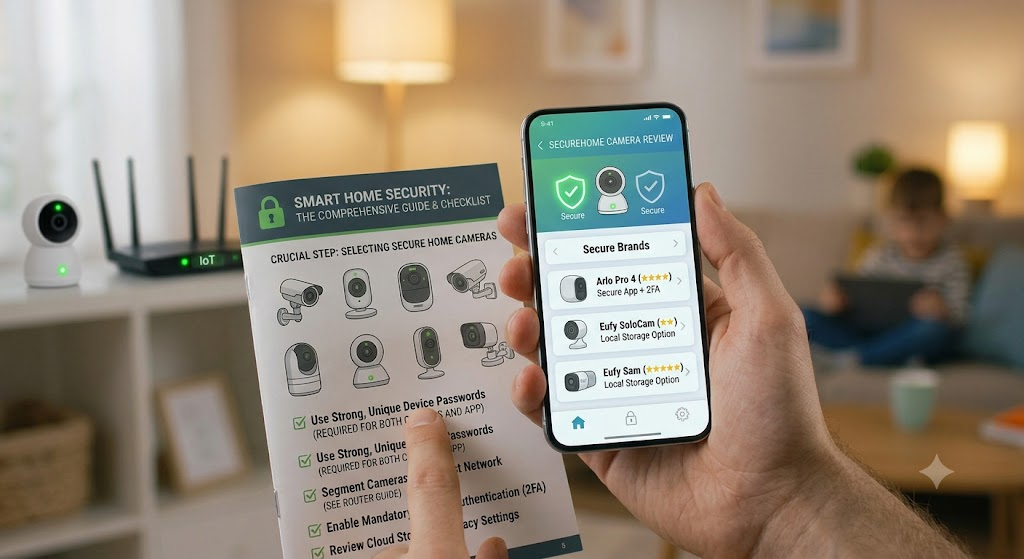
Improve Camera Security
Even the best security camera can become a target if it’s not properly secured.
Follow these best practices:
- Change the default administrator password immediately.
- Enable two-factor authentication if available.
- Keep camera firmware updated.
- Use a strong, unique WiFi password.
- Connect cameras to a secure WPA3 or WPA2-AES network.
- Disable features you don’t use.
- Regularly review connected devices and login activity.
These simple steps help protect both your cameras and your home network from unauthorized access.
Frequently Asked Questions
Are wireless security cameras safe?
Yes. Wireless cameras are secure when connected to a protected WiFi network, updated regularly, and protected with strong passwords and two-factor authentication.
How many security cameras does a home need?
Most homes benefit from three to six cameras, depending on their size. Focus on entry points, driveways, garages, and outdoor spaces.
Do security cameras work without WiFi?
Some cameras can record locally without WiFi, but internet connectivity is usually required for remote viewing, mobile notifications, and cloud storage.
Is 1080p enough for home security?
Yes. Full HD (1080p) provides clear video for most homes. However, 2K and 4K cameras offer greater detail for identifying faces, license plates, and other important features.
Can security cameras prevent burglaries?
Visible security cameras often deter potential intruders. Combined with proper lighting, strong locks, and a secure WiFi network, they significantly improve overall home security.